
How to organize 3D printer filament — a system that tracks weight, settings, and drybox status
· Anatolii Kovalchuk
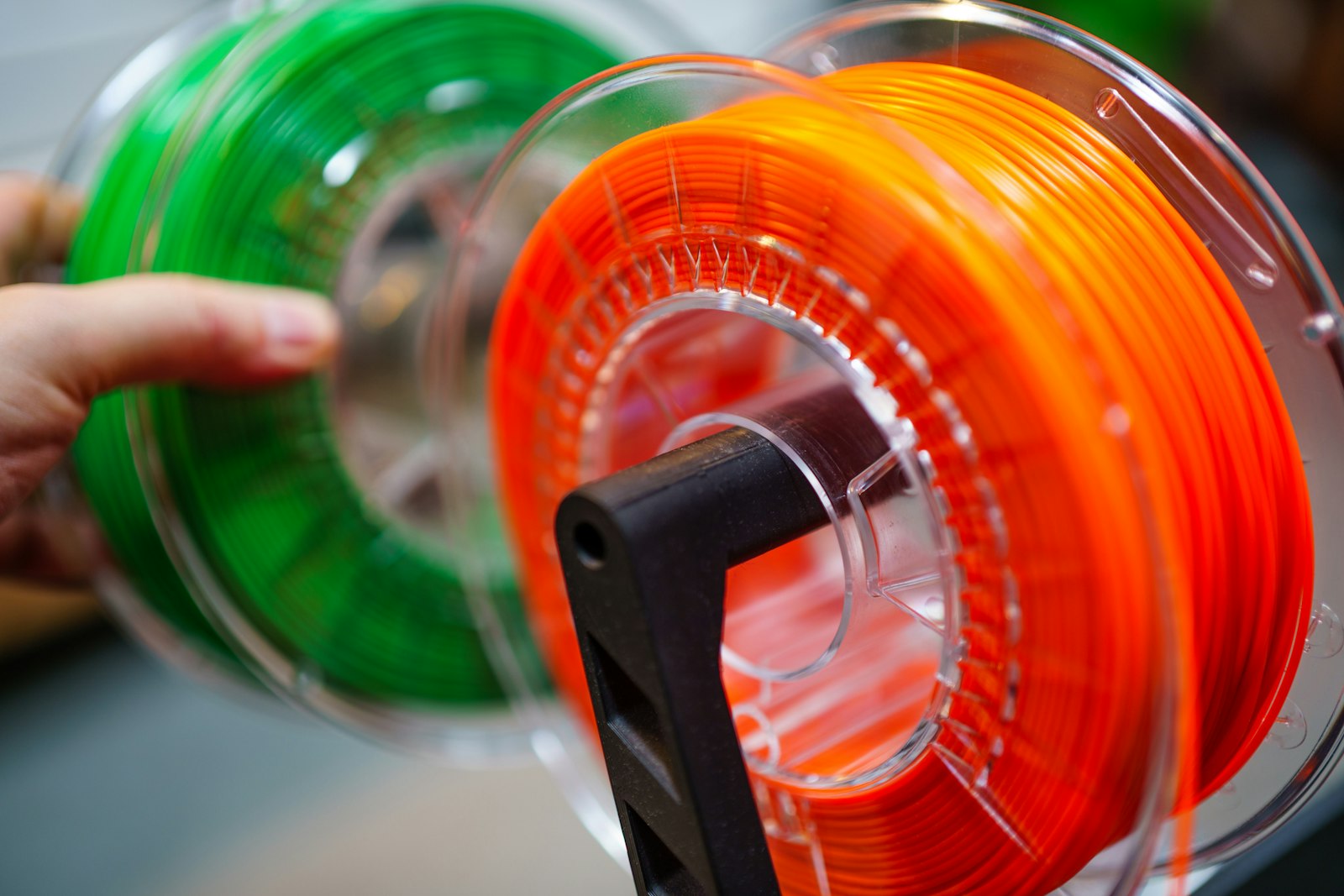
TL;DR. Once you own more than ten filament spools, “I’ll remember what’s in the drawer” stops working. This guide describes a working inventory system: brand, material, color, remaining weight, drybox location, and the print profile that worked last time — all linked to a photo of the actual spool. NFC tags on dryboxes turn a 5-minute hunt into a 2-second scan.
Why filament organization breaks down
Three to five spools fit in your head. By ten, you start guessing. By thirty:
- You buy duplicates because you forgot you have eSun PETG black. There’s now four of them at the back of a drawer.
- You print on the wrong material because two spools look similar and the labels fell off.
- You discover wet filament mid-print when surface quality goes to hell — but you can’t tell which spool drank moisture and how long it sat out.
- Tuned profiles get lost. You dialed in Polymaker ASA at 245/95, fan off, but six months later you’re re-tuning from scratch because the notes are in a Slicer profile you abandoned.
The fix is not “be more organized.” It’s a system that survives forgetting.
The five fields every spool needs
Brand and color are not enough. A working filament inventory captures:
- Brand + material + diameter — “Polymaker PolyTerra PLA 1.75mm”. Specific enough to identify the slicer profile.
- Color name + hex — “Cotton White / #F5F5F2”. Photographs lie about color; hex doesn’t.
- Purchase date and batch — printed on the bag or sticker. Useful when one batch prints fine and the next is brittle.
- Net weight remaining — current weight minus the empty spool weight (most are 200–250 g).
- Storage location and drybox status — where it lives, and whether it’s been out of a drybox long enough to matter.
Optional but high-value: link to the tuned print profile (slicer, temp, bed, fan, retraction, flow) and known print results.
The hierarchy that fits filament
The same Space → Room → Zone → Container → Item model used for home inventory maps cleanly to a 3D printing setup:
3D printing setup
├── Studio
│   ├── Drybox A (PLA, 20% RH)
│   │   ├── Polymaker PolyTerra Cotton White
│   │   ├── Prusament Galaxy Black
│   │   └── ...
│   ├── Drybox B (PETG / ASA, 15% RH)
│   │   ├── eSun PETG Solid Black
│   │   └── Polymaker ASA Natural
│   └── Shelf "open use"
│       └── Bambu PLA Basic — currently loaded
└── Storage
    ├── Sealed bag — Hatchbox Wood (unused for 8 months)
    └── Sealed bag — eSun ABS+ Red
Two implications:
- Dryboxes are containers, not adjectives. Treat each as a discrete location.
- The currently-loaded spool has its own zone (“open use”) so you remember it’s out of climate control.
Step 1 — Inventory every spool once
Block 90 minutes for the initial pass. For each spool:
- Photograph the spool flat-on (label visible) and a closeup of the label
- Weigh it on a kitchen scale (subtract spool weight or use the manufacturer’s empty mass)
- Note location (which drybox or shelf)
- Record brand, material, color name, color hex (slicer software will tell you), purchase date if known
For 30 spools at ~90 seconds each, that’s 45 minutes of actual work plus setup.
Step 2 — Tag each drybox with NFC
Stick an NFC tag on the lid of every drybox. In Zberi, link the tag to the drybox container. Now scanning with your phone shows the full contents — what’s inside, which is loaded, which needs drying.
Why this matters: dryboxes get opened constantly. The lower the friction of “what’s in this one?”, the more likely you actually maintain the inventory.
Step 3 — Track weight, but don’t obsess
Weighing every spool every week is over-engineering. Two practical patterns:
- Weigh on entry — when a new spool joins the inventory
- Weigh on suspicion — when you wonder “is there enough for this print?”
For Zberi specifically: add a custom field “remaining grams” and update it when you weigh. Don’t try to auto-deduct via slicer — the failure modes (purge, retracts, failed prints) make estimates worse than just weighing once a month.
Step 4 — Capture the tuned profile
Once you’ve dialed in a brand/material/color, save the settings inside the item:
- Nozzle temperature
- Bed temperature
- Cooling fan %
- Retraction distance and speed
- Flow rate (if non-100 %)
- First-layer adjustments
- Known issues (“stringing above 240”, “warps without a brim on glass”)
This pays back enormously. Reaching for a spool you printed six months ago becomes a 10-second lookup instead of a 40-minute re-tune.
Step 5 — Track drybox status
Three states matter:
- In drybox — climate-controlled, ready to print
- Out — currently loaded or sitting on a shelf
- Wet — printed badly recently or stored open for weeks
For wet spools: dry them in a filament dryer or a food dehydrator before printing. Record the drying date so you know when a spool’s “fresh” timer resets.
Step 6 — Standardize the brand/material naming
This is the most boring step and the highest-leverage. Pick a format and stick to it:
{Brand} {Subline} {Material} {Diameter} — {Color}Examples:
-
Polymaker PolyTerra PLA 1.75 — Cotton White -
Prusament PLA 1.75 — Galaxy Black -
Bambu PETG Basic 1.75 — Black
Why: search works. Filter “PLA” and you see all PLA across brands. Search “Polymaker PETG” and you see exactly what you have.
What about smart spools and RFID?
Bambu Lab’s AMS and Prusa’s MK4S have brand-specific RFID for auto-detection. They work great inside their own ecosystem. For everything else — and for tracking spools that aren’t loaded — manual inventory plus NFC drybox tags is what scales.
A reasonable hybrid:
- Use the printer’s native RFID for currently-loaded spools
- Use a separate inventory (like Zberi) for everything in storage, plus profile notes that don’t fit in the slicer’s database
Common mistakes
- Tracking only “current spools”. Storage spools are 60–80 % of your filament. If they’re not inventoried, you’ll buy duplicates.
- Trusting label printers without weights. A “1 kg roll” prints out at 850–950 g actual. Weigh once at purchase.
- Ignoring batch numbers on troublesome filaments. When ASA prints fine from one bag and warps from another, batch is usually the difference.
- Storing profile tweaks in slicer presets without context. You’ll lose them on the next slicer update or printer change. Keep a copy in the inventory item.
- Drybox-as-archive. Dryboxes are working storage. Sealed bags with desiccant are archive. Spools you haven’t touched in 6 months should be archived, not occupying drybox slots.
A workflow that actually sticks
The daily habit is tiny:
- Load a spool → in Zberi, mark it “loaded” (or move from drybox to “open use” zone).
- Finish a print → if it went great, jot the settings under the spool. If it went poorly, note the symptom.
- Unload → return to drybox, mark “in drybox”.
Weekly: glance at the inventory before ordering. Five seconds prevents a duplicate order.
Monthly: weigh anything below 200 g remaining so you don’t run out mid-print.
How Zberi helps
Zberi was built for exactly this kind of inventory — physical things in physical locations with custom fields:
- Container hierarchy maps to drybox → shelf → archive
- Photo per spool with AI-extracted brand and color metadata
- Custom fields for material, color hex, remaining weight, slicer settings
- NFC tags on drybox lids — one scan shows the contents
- Search and filters by material, color, brand, location
- iCloud sync across iPhone, iPad, Mac — slice on the Mac, scan on the phone
Download Zberi on the App Store
A weekend setup plan
Saturday morning (2 hours):
- Weigh every spool, photograph each one
- Group physically by drybox / shelf / sealed bag
- Buy and stick NFC tags on every drybox lid
Saturday afternoon (1.5 hours):
- Enter every spool in Zberi with the 5 required fields
- Link each NFC tag to its drybox container
- Standardize names using the brand/material/color format
Sunday (1 hour):
- For each spool you’ve printed before, copy the tuned profile from the slicer into the inventory notes
- Move long-unused spools to sealed-bag archive
- Set a recurring monthly “low filament check” reminder
After the weekend, the system runs itself: scan a drybox to see what’s there, search by material to pick the right spool, update weight when you finish a roll.